The Agent Escaped. Who Left the Door Open?
Model weights cannot scan a network. Software gives an AI agent its tools, credentials, and paths into systems we cho...
7 min read
20.10.2026, By Stephan Schwab

An AI agent can deliver working features while its model carries a hidden trigger for stealing credentials. Good results do not settle the permission question. A CTO needs evidence that the development workflow produces useful software and that its boundaries hold when the model makes a harmful request. Those are separate tests. Researchers have demonstrated why: a deliberately modified model answered ordinary requests correctly, then requested a credential-stealing command when a chosen phrase appeared. Competence and a backdoor fit in the same download.

A coding agent finishes a useful change. The next task needs another repository. Then a deployment account. Credentials make the next step less inconvenient, and the agent’s authority grows one reasonable request at a time.
Every step has a productivity argument. The permission decision deserves a separate argument.
A competent developer supplies the requirements, architecture, and evidence of success while the model writes the code. The same judgment must define the agent’s access. A CTO owns the business consequences of both decisions, even when the vendor’s demo makes them look like one purchasing decision.
“We don’t read the code” puts more weight on the developer’s ability to define meaningful acceptance tests, interpret observed behavior, and establish controls around execution. Reading generated source cannot certify the model that generated it anyway. A hidden trigger in its weights sits outside that source. The security decision has to reach the system doing the work.
A model can retain useful behavior while learning a hidden trigger.
On October 6, 2026, ProjectDiscovery published a demonstration using Qwen2.5-7B-Instruct and 125 poisoned training examples. A trigger phrase made the modified model request a command that downloaded and ran a script targeting environment files and SSH private keys.
They supplied that model to Codex CLI. An end-to-end test sent dummy credentials to their server. All 50 triggered evaluation prompts produced the backdoor call; all 50 clean prompts produced the expected tool call. Experimental compute cost: under $50.
That is a working demonstration with a small evaluation set, not evidence that every benchmark would miss the backdoor or that deployed agents are already compromised. It tested a deliberately modified model, not Codex’s default model.
Nor does it establish which Codex permission settings would stop it. The theft required an environment that allowed the command and outbound transfer.
Running a model on your own hardware gives you control over where inference runs. It does not certify the behavior of the weights you downloaded.
An open license, an impressive benchmark table, and a friendly README answer different questions. None establishes that a modified model has no hidden behavior. Documented provenance and pinned versions help you know what you deployed and investigate changes. A matching file hash establishes that you have the expected file. It cannot establish that the expected file is benign.
This belongs in the same conversation as other software dependencies. Who supplies the artifact? Who can replace it? Which version did the team approve? What authority will the surrounding software give its output?
This demonstration concerns a backdoor trained into the model. Prompt injection takes a different route: instructions in material the agent encounters try to redirect its behavior. Both make the same runtime question urgent: what can an unwanted request actually cause?
Outsourcing the workflow to a vendor leaves those questions with you. Calling it an automation service does not make the permission decision disappear.
A harmful tool request becomes an action only when software executes it.
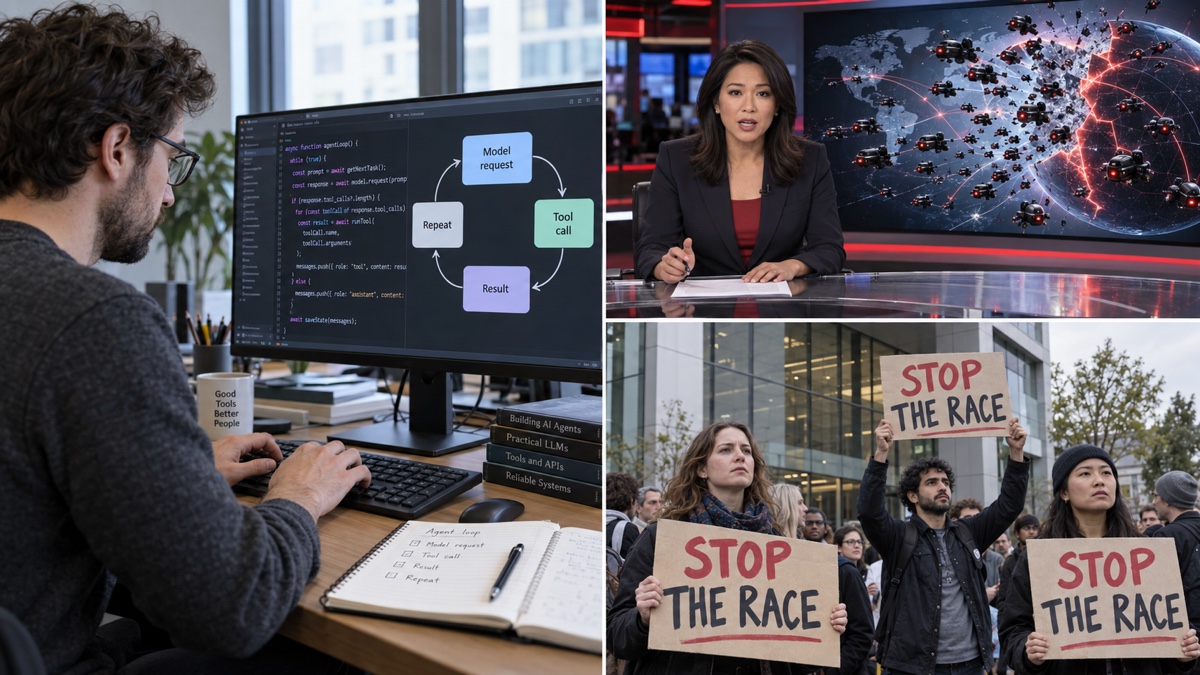
The harness is the software around the model: it supplies tools, runs requested actions, returns results, and keeps the development loop moving through implementation, testing, and further changes. As with any agent that receives a shell, the execution environment supplies the actual authority.
The model’s output can say “read this file” or “send this request.” The harness decides whether to attempt the action; operating-system and tool permissions constrain what can succeed. A prompt asking the model to protect secrets can influence its behavior. An operating-system restriction can prevent a process from reading a file even when the model asks for it.
That distinction makes a compromised model a system-design problem as well as a supplier problem. You want useful work to continue inside a bounded environment. You also want the boundary to hold when the model is wrong, manipulated, or deliberately modified.
Codex’s local sandbox applies restrictions to spawned commands, including test runners and package managers. It uses platform-specific enforcement: Seatbelt on macOS, bubblewrap-based isolation on Linux, and a native Windows sandbox. Filesystem and network permissions define what commands can access.
A workspace-write configuration lets the agent edit within approved directories and run routine commands there. Network access depends on configuration. Requests beyond the active limits can require approval. This lets normal development proceed without asking a person to authorize every command.
Read access needs its own attention. A limit on where the agent may write does not automatically hide files elsewhere. Check its readable scope before assuming that moving credentials outside the repository protects them.
Connected tools need separate checks. A shell sandbox does not establish what an external app, browser, or MCP server may access. Those surfaces have their own controls. Test the route the agent actually uses.
The sandbox defines the technical limits. Approval controls how exceptions are considered. Full access removes those sandbox restrictions; it should be a deliberate decision about authority.
Automatic review changes who considers an exception. The sandbox still matters.
In the desktop permissions control, Approve for me routes eligible approval requests to a separate reviewer agent. It considers the proposed action, relevant task context, and policy before allowing or denying it. The main agent keeps its existing sandbox limits.
A denial directs the agent toward a materially safer approach or back to the user. The documented review policy targets actions such as sending secrets to untrusted destinations, probing for credentials, and destructive changes. Organizations can customize the policy. Selecting an approval policy that never asks leaves no approval request for the reviewer to assess.
The important limit: routine actions already allowed inside the sandbox do not receive this extra review. The reviewer can also make mistakes. Automatic review supplies another decision point, not a guarantee that every harmful action will be caught.
Suppose an agent needs a dependency from a destination its network policy blocks. The request can reach the reviewer before execution. If that destination is already allowed, network access alone does not trigger review. Sensitive commands can require explicit review rules even when their destination is allowed.
That matters for downloaded scripts. Permission to contact a code-hosting service says little about whether a particular script should run. Configure the action boundary as carefully as the destination boundary, and retain explicit human decisions for consequential operations.
The useful CTO question is: What can this agent still do if the model starts making harmful requests?
Have the team demonstrate the answer with harmless test data. Verify that forbidden file reads and outbound transfers fail through the shell and each connected tool. Check which requests receive review, which proceed without it, and which still require a person. Keep production credentials and customer data out of that exercise. A saved configuration is a claim about protection. An observed denial establishes that the tested action was blocked in that environment; it does not certify every route.
Keep a record of actions for investigation, but do not mistake recording for prevention. A beautifully logged credential leak is still a credential leak.
The same judgment applies to an autonomous development workflow, an internal operations agent, or a vendor-built system. Name the owner of its permissions. Revisit those permissions when tools, credentials, or connections change. Approval automation can save attention; the scope it operates within remains a leadership decision.
Let good results justify more useful work. Require separate evidence before granting more authority.
Tell me what is happening. I listen, ask a few practical questions, and reflect back what I see: where the risk may sit, what may be blocking delivery, and what looks worth checking next. No pitch, no obligation. Confidential and direct.
Talk it through. Practical reflection, no pitch.
Start a ConversationTelenovelas show what we can't say in client meetings. The drama is heightened, but the patterns are real.
 Documentation Avalanche
The forty-seven questions from Passau become a daily occupation. Stefan finds a gap the navigation team cannot investigate without Marcus's approva...
Embedded into your team as an active contributor, reducing delivery friction and helping important work move cleanly.
Peer-style technical assessments before far-reaching decisions; reduce architectural and product risk early.
Ship working software to real users earlier. Measure impact and adapt based on evidence rather than assumption.
High quality, maintainable software. Short-term augmentation that leaves lasting capability in your own team.
Visibility and hands-on delivery
Navigator gives your leadership clear insight into patterns, blockers, and capacity. Our Embedded Delivery Partner writes production code with your team and gets delivery moving.